- Here is a step-by-step video tutorial to prepare the game and the VR Headset!
- If the video is not clear to you, here are the step-by-step instructions on how to start playing.
- Find the activation code on the card inside the box.

- Register the code with your email at edinventa.com/vr-form. Type your email address and the code. You do not need a password.
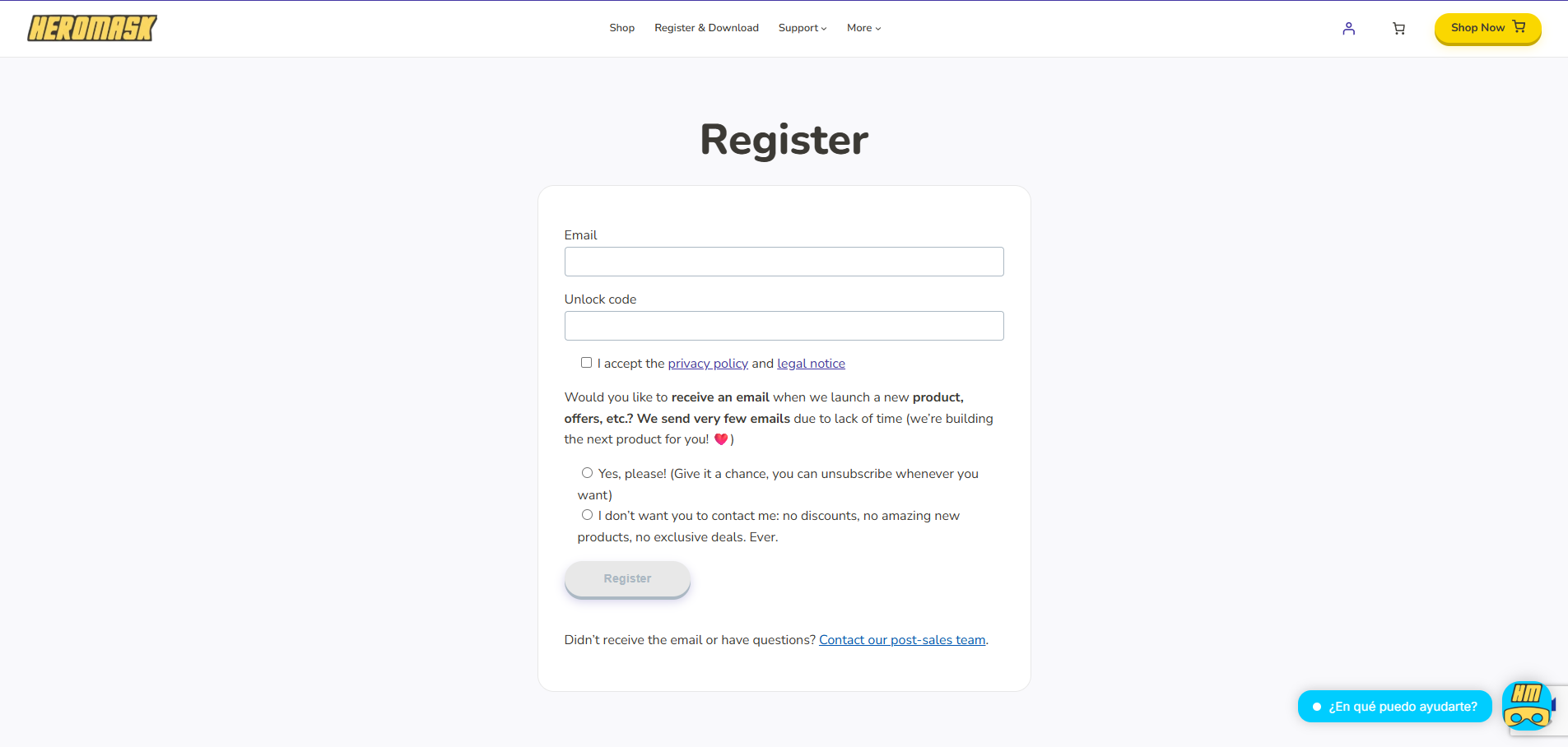
- Check your email. If the code was registered correctly, you will receive an email with a direct link to download the app. If something went wrong, you will receive an email asking you to try again.
- Download the app from the link in the email. It opens the App Store on iPhone and Google Play on Android:
- Open the app, choose your language, tap Play and log in with the email and activation code you registered. Then tap Login.
- Put the phone in the headset: centred, screen facing the lenses, with the holding tab behind the phone. Put the headset on.
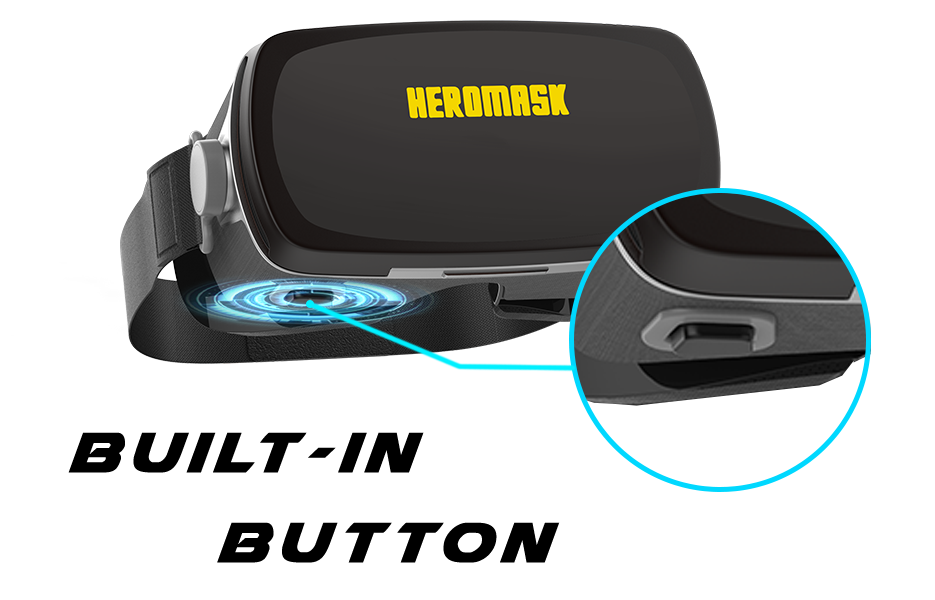
- Follow the vision tutorial. It shows you how to use the three wheels on top: the left and right wheels move each lens closer to or further from the screen, and the centre wheel changes the distance between the lenses. Hold the button down to go to the next step.

- Start playing. Choose Learn to play for a short practice round, or Play to go to the games. Heromask Geography first shows a full tutorial, which you can skip.
If you have any problems or questions, please contact our support team to solve them!